
Lightning Fast
Results arrive in seconds, not minutes. No queues to wait in while you wonder whether the job actually finished.
Free AI photo colorizer and restorer. Upload a faded black & white scan and get a natural-looking color photo in seconds — plus repair for scratches, torn edges and washed-out tones.
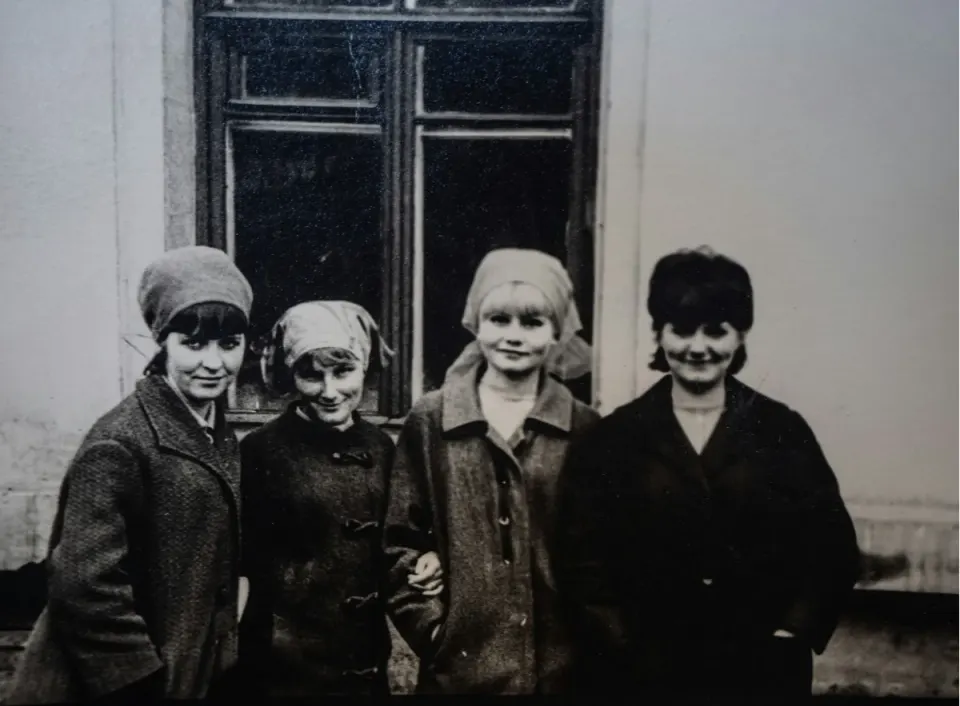 BEFORE
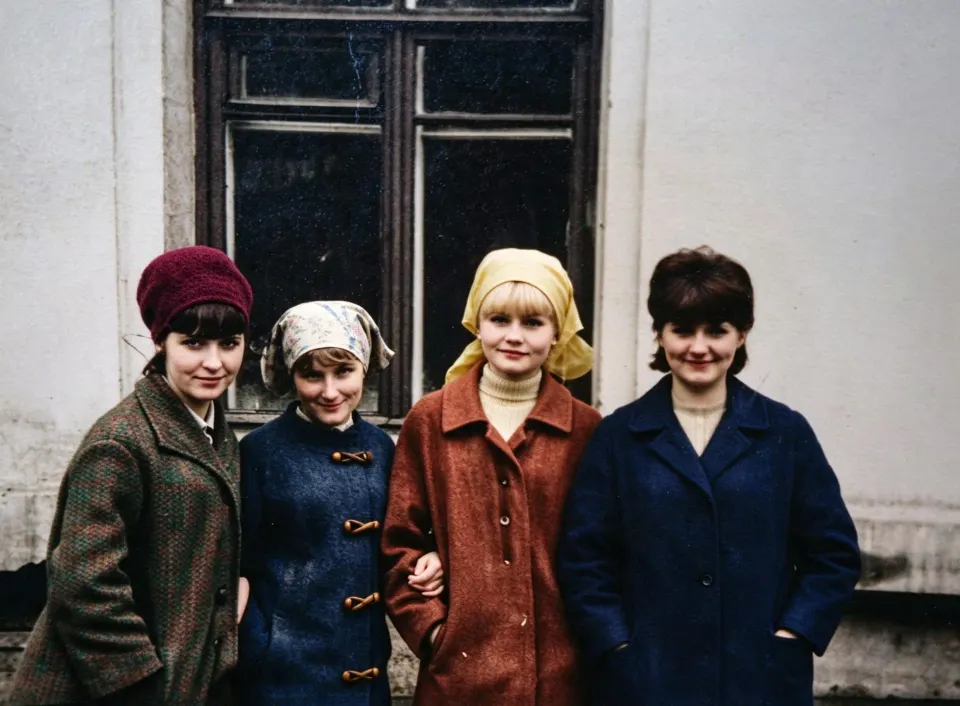 AFTER
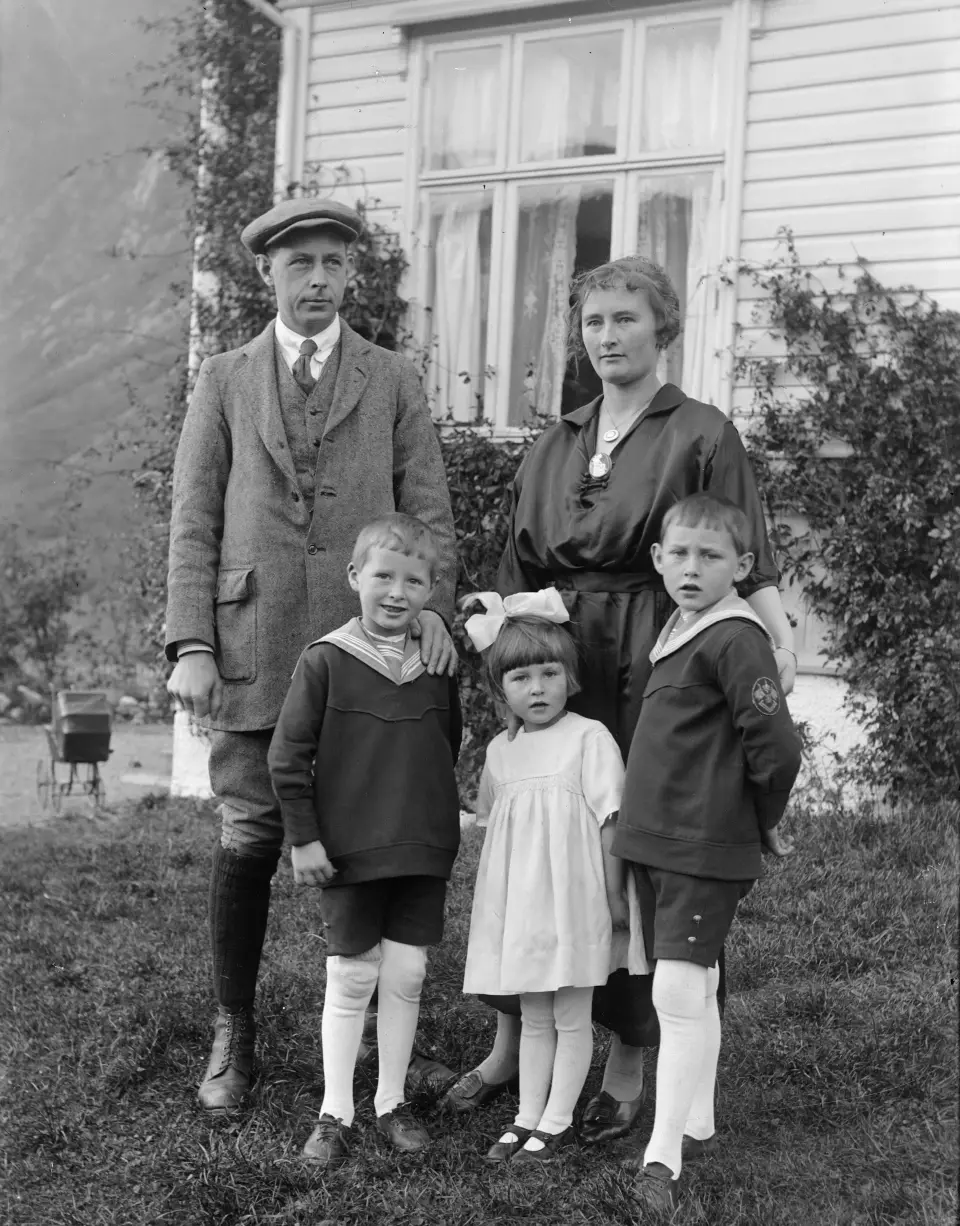 BEFORE
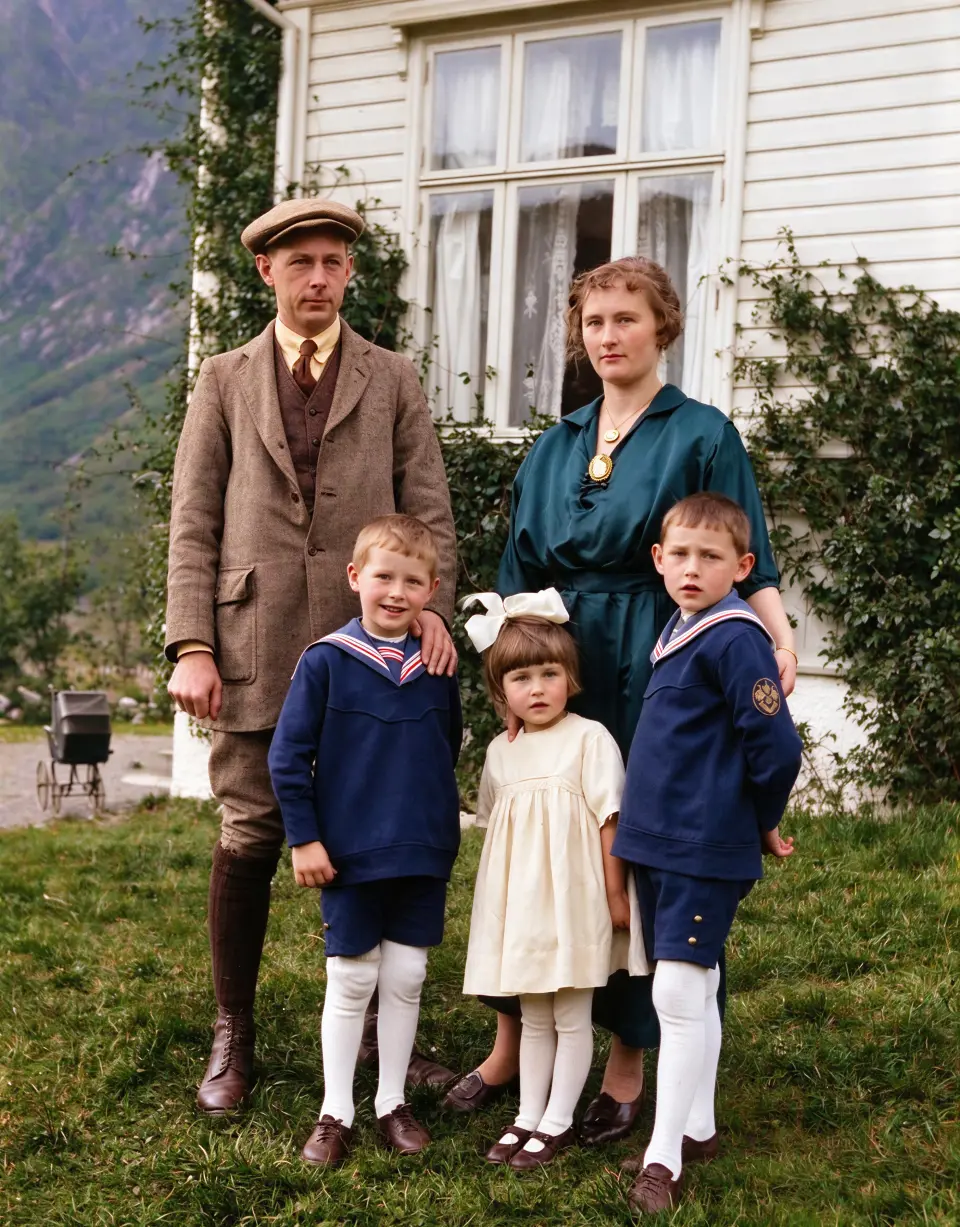 AFTER
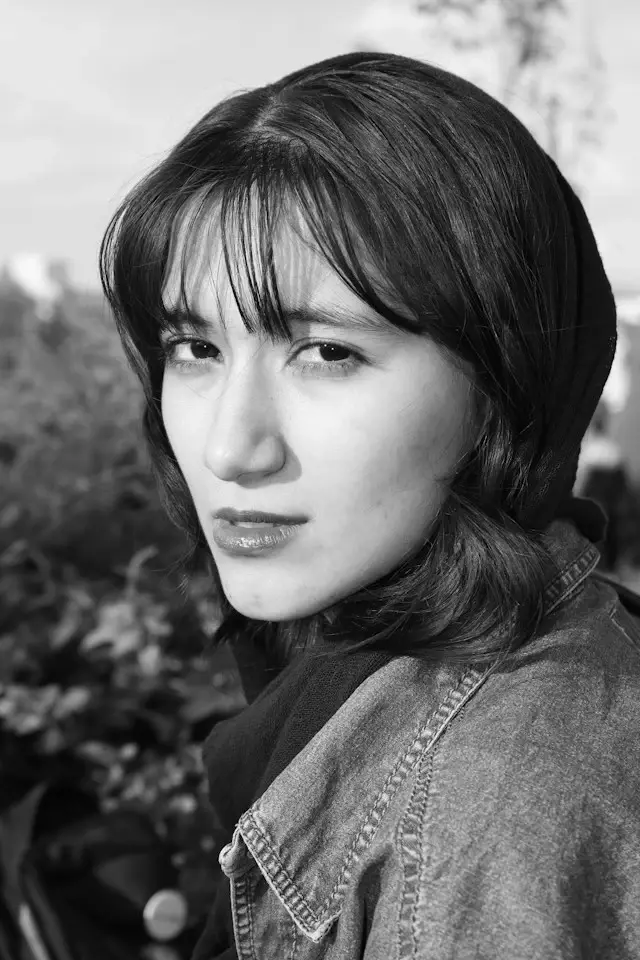 BEFORE
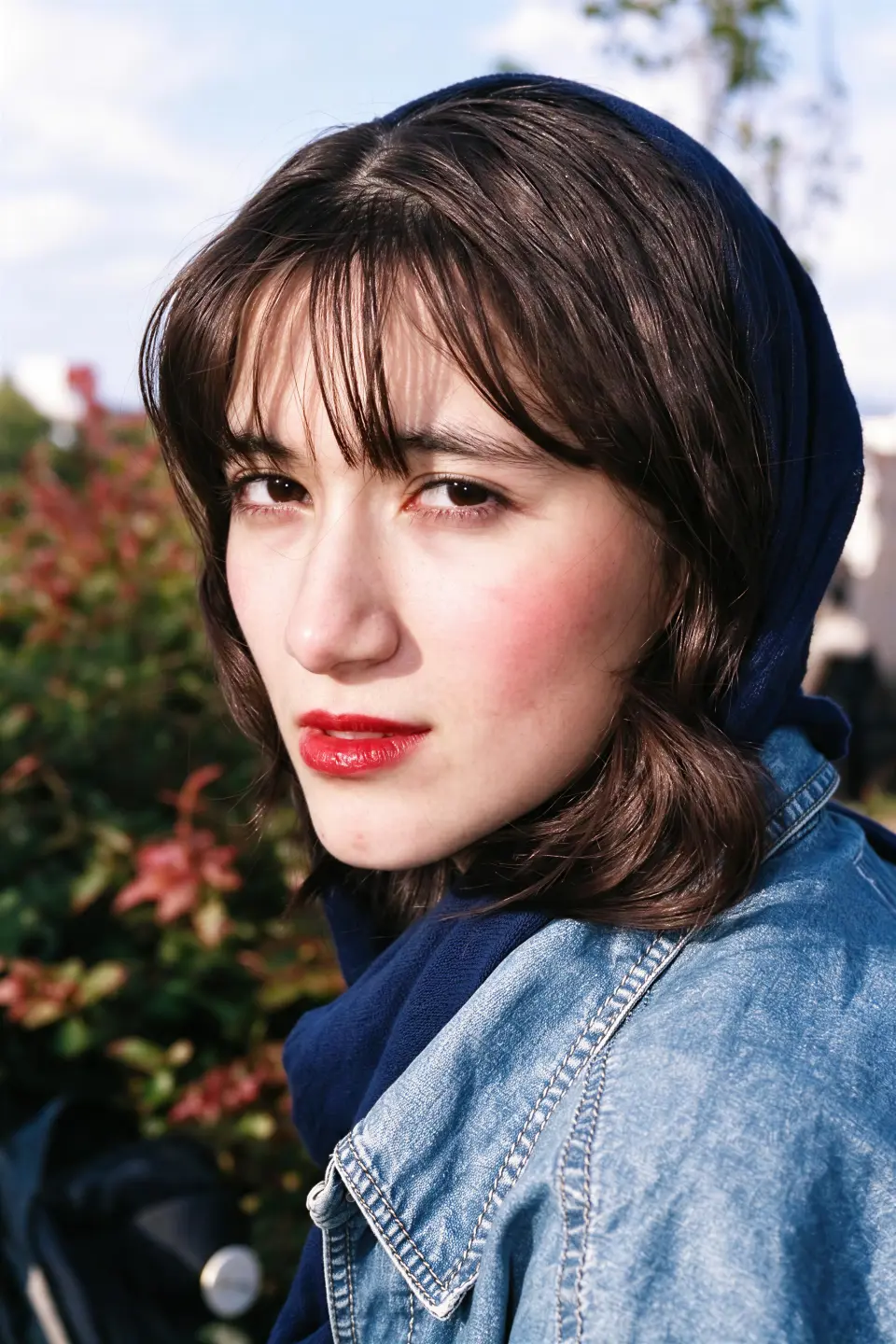 AFTER
 BEFORE
 AFTER
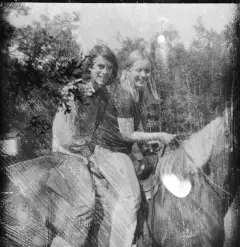 BEFORE
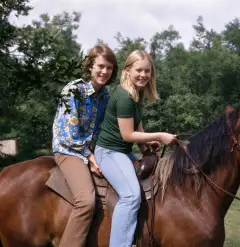 AFTER
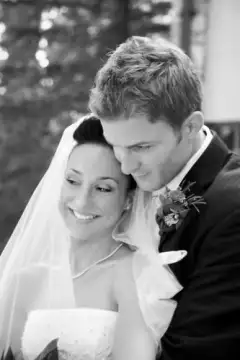 BEFORE
 AFTER
We made old-photo restoration simple. Upload, wait a few seconds, download.
Results arrive in seconds, not minutes. No queues to wait in while you wonder whether the job actually finished.
The model reads the actual scene — skin, sky, foliage, fabric — so a face never ends up one flat orange wash like a preset filter.
Ten free credits every day, no card and no account required to try it. Paid plans start at $9.99 a month when you need volume.
Upload JPG, PNG or WebP and export at up to 4K on Pro. Keep the original scan — the colorized copy is always a separate file.
Three steps to color. No brainer.
A flatbed scan works best, but a straight-on phone photo of a print is fine too. Pick a JPG, PNG or WebP and go.
The model analyses the scene, separates skin, sky, foliage and fabric, then rebuilds plausible color that follows the original light and shadow.
Compare before and after in the viewer, then download the result. Your original file is never overwritten.
AI-powered photo tools that pull their weight — all in one place, all on the same credits.
Colorize and restore black & white photos with semantic, region-aware color.
Try it freeMatch a photo's colors to a reference image so every shot in a set stays consistent.
Try it freeRemove backgrounds and add new colors or your own images behind the subject.
Try it freeBrush over unwanted people and let AI restore the background behind them.
Try it freeFix closed or half-closed eyes in a group photo, then compare the edit before downloading.
Try it freeResize, compress and convert between JPG, PNG and WebP without leaving the browser.
Try it freeWe've got answers.
Yes. Every visitor gets 10 free credits a day, which covers two standard colorizations. No card, no app, no account needed to try it. Paid plans start at $9.99 a month if you need more volume, higher resolution or batch processing.
It estimates plausible colors from what is visible in the black and white image — it cannot know the true original colors for certain. Skin tones, clothing and scenery may differ from reality. For family archives, compare against reference photos and keep the colorized copy clearly labelled.
No app installation is needed — everything runs in your browser. Start as a guest with the daily credits available to your device, and sign in only when you want your task history and account features.
JPG, PNG and WebP are accepted. The Pro model can output up to 4K resolution, and free tasks are capped at 1024px with a small watermark. If an upload is rejected as too large, try a smaller copy rather than repeatedly compressing your master scan.
It can. When facial details are blurred, tiny or damaged, the model may generate features rather than recover them faithfully. Always check eyes, teeth and skin texture in the before-and-after view — a sharper face is not always a more accurate face.
Photos are processed by external AI services and stored so your result can be delivered, so upload only images you have permission to process. For photos you own, you keep the rights to the colorized result; see the terms of service and privacy policy for the full details.
More questions? Read the colorization guide or the restoration walkthrough.
Jump in and start reviving old memories. Ten free credits every day, no credit card, no catch.
Get Started for Free 沪公网安备31010402010179号
沪ICP备2023003282号-38